
SURROUND
Dolby Atmos playback on Android
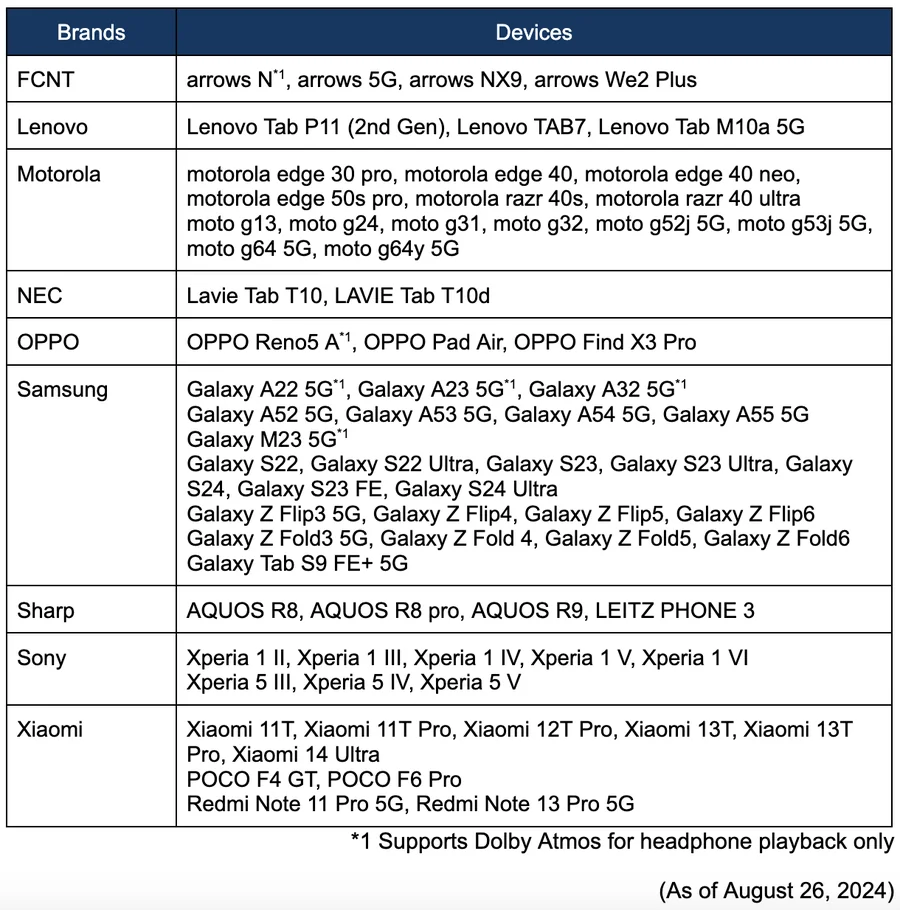
Built-in speaker and headphone playback are supported only on Dolby Atmos compatible Android devices.
- 01
On an Android device, go to settings and search “dolby”. Then turn on “Dolby Atmos (or Dolby Sound)”.
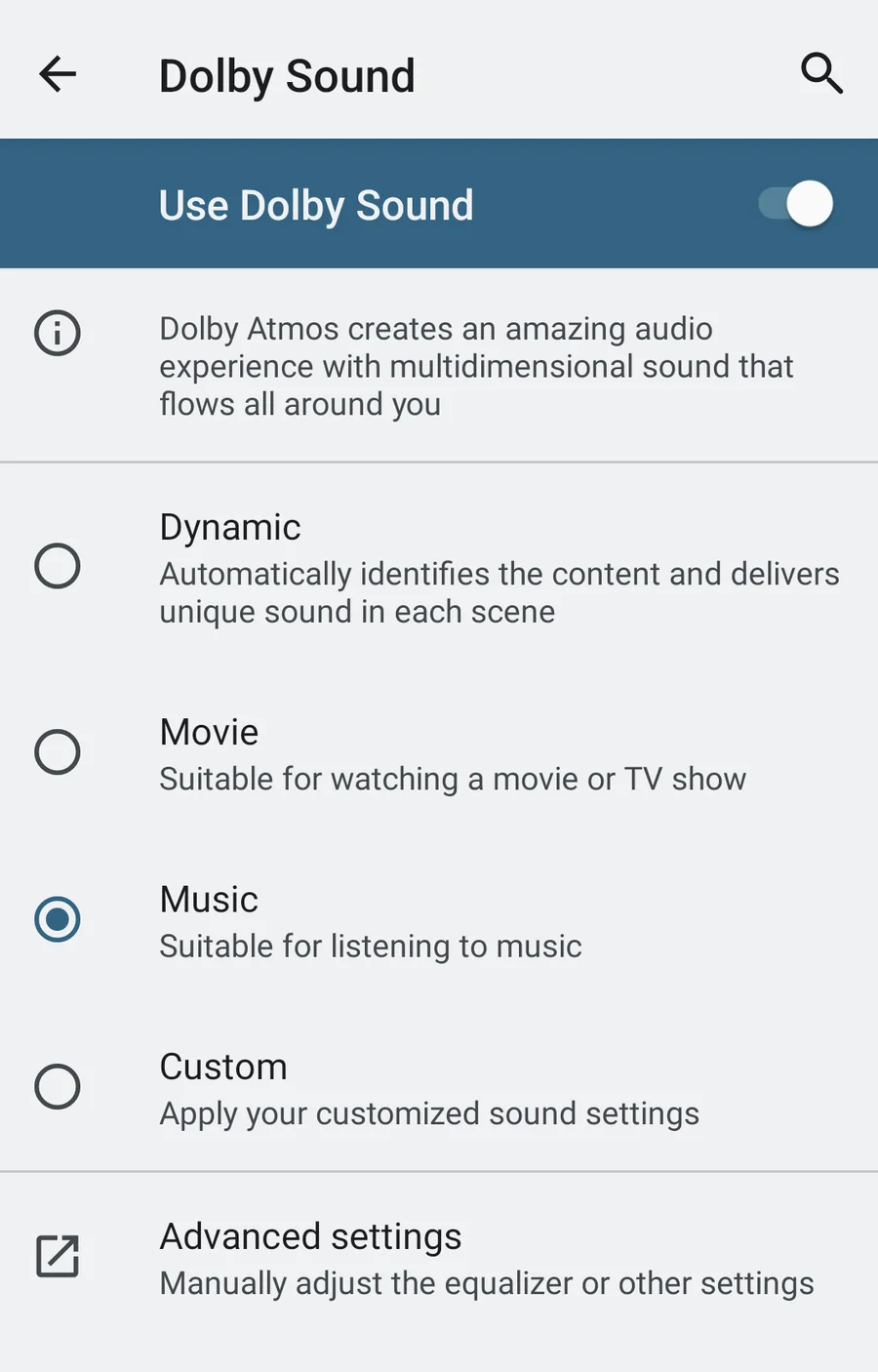
- 02
- 03
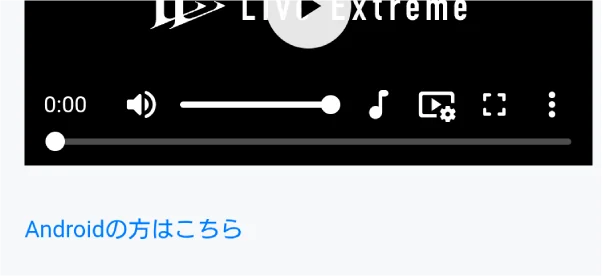
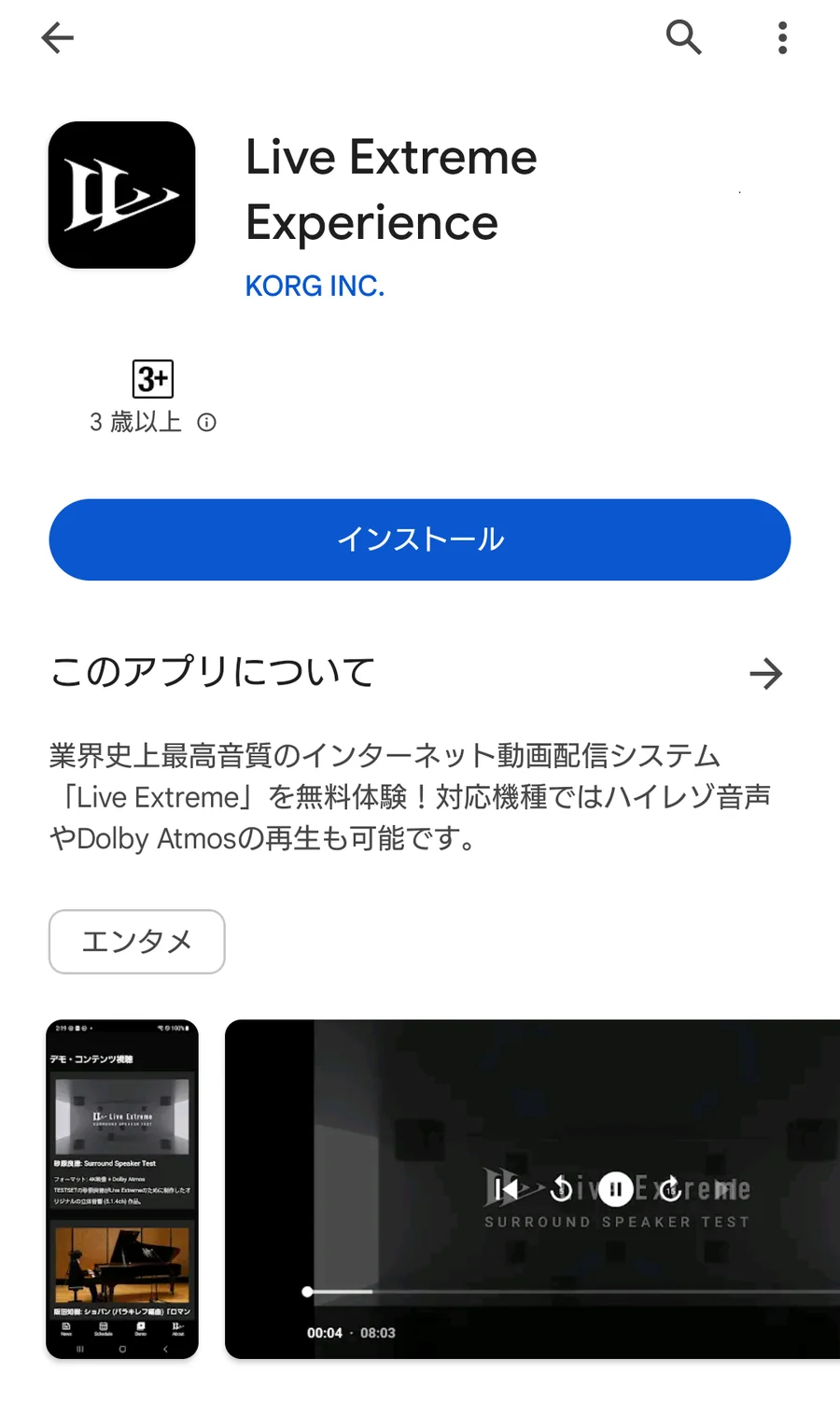
In the Chrome browser, tap the “For Android” link or banner on the Live Extreme streaming page. (Live Extreme Experience for Android opens automatically and playback starts.)
- ※With the built-in speakers, hold the device horizontally (landscape).

Android devices tested with Dolby Atmos
Surround / Dolby Atmos
- macOS
- iPhone / iPad
- Android
- Apple TV